Workshop payments and EFTPOSGet paid before they drive off
EFTPOS at the counter, or an invoice the customer taps to pay from their phone — both landing against the job, with GST handled and the follow-up already set up.
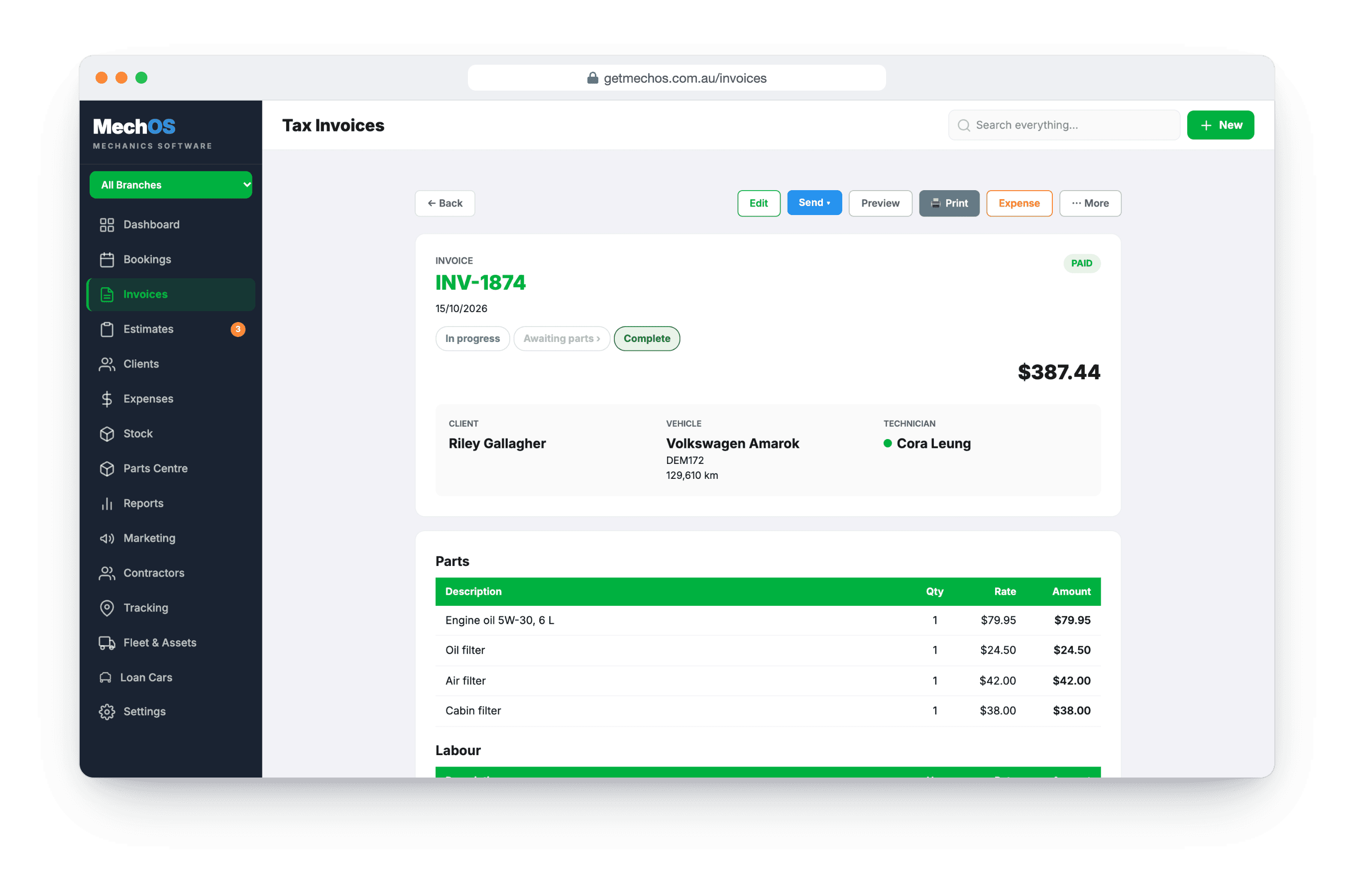
The money is usually the last thing to catch up
The job is finished, the car is gone, and the invoice is now a thing someone has to chase. Meanwhile the terminal is a separate machine with a separate settlement report that gets reconciled against the books at the end of the month, by hand, from a roll of paper.
MechOS puts both ways of paying against the invoice itself, so the payment and the job are the same record.
How you take the money
EFTPOS in the shop
Card payments through the terminal, tied to the invoice on screen rather than rung up separately and matched later. Refunds go the same way, against the same invoice.
A link they tap
Send the invoice and the customer pays it from their phone — the same link that carries the quote and the photos. For a car already collected, that is the difference between paid today and paid after two reminders.
GST that adds up
Totals, line maths and quarterly GST and BAS figures built for Australian workshops rather than translated from somewhere else. One set of arithmetic, used by the screen, the PDF, the portal and the reports — so the invoice, the statement and the BAS figure never disagree.
Terms per customer
Due on receipt, 7, 14 or 30 days — set on the customer, not guessed per invoice. Due dates come off their terms, and the overdue stamp appears when it is genuinely overdue.
Follow-up that runs itself
Overdue reminders go out on a schedule you control, and aged receivables sit in the reports so you can see what is actually owed rather than what was invoiced.
What you get
- EFTPOS against the invoice, refunds included
- Pay-by-link on every invoice
- GST-aware totals and quarterly BAS figures
- Payment terms set per customer
- Due dates calculated from those terms
- Automatic overdue reminders
- Aged receivables in the reports
- Recurring invoices for fleet and service contracts
A note on surcharges
The Reserve Bank’s ban on card surcharging starts on 1 October 2026. MechOS already removes surcharging on that date without anyone having to remember — the code carries the rule. What it cannot decide for you is whether to absorb the cost or build it into your labour rate, and your terminal will need configuring to match.
Questions workshops ask
Which EFTPOS terminals does it work with?
Card payments run through VenueSmart, and terminal payments use Linkly Cloud PIN pads, such as the Pax A910. We set up the Linkly side for you; pair a pad once, then choose Charge to EFTPOS terminal on any invoice and the payment records against it.
Can customers pay an invoice from their phone?
Yes. Invoices you send carry a payment link. The customer taps it, pays by card, and the payment lands against the invoice.
Can I test it before taking real money?
Yes. Ask us to start you on Linkly’s test environment and run the whole flow on its Virtual PIN Pad, on a Windows PC. No real card is charged until we move you to production.
How-to guides
- Set up EFTPOS terminal paymentsHow MechOS switches EFTPOS on for you, pairing your PIN pad, and taking card payments from an invoice.
- Pair your EFTPOS terminal (Linkly Cloud)Get a pair code off the PIN pad and link it to MechOS so you can charge cards in-counter.
- Build and send a tax invoiceConvert a booking to an invoice, add parts and labour, email it with a payment link.
- Record a paymentCash, bank transfer, or in-shop EFTPOS — log it against the invoice.
See it on your own jobs
Everything on this page is included at the founding price — $99 a month, locked for as long as you stay. Fourteen days free, no card, and you can bring your existing customers and history across.