Daily workflow
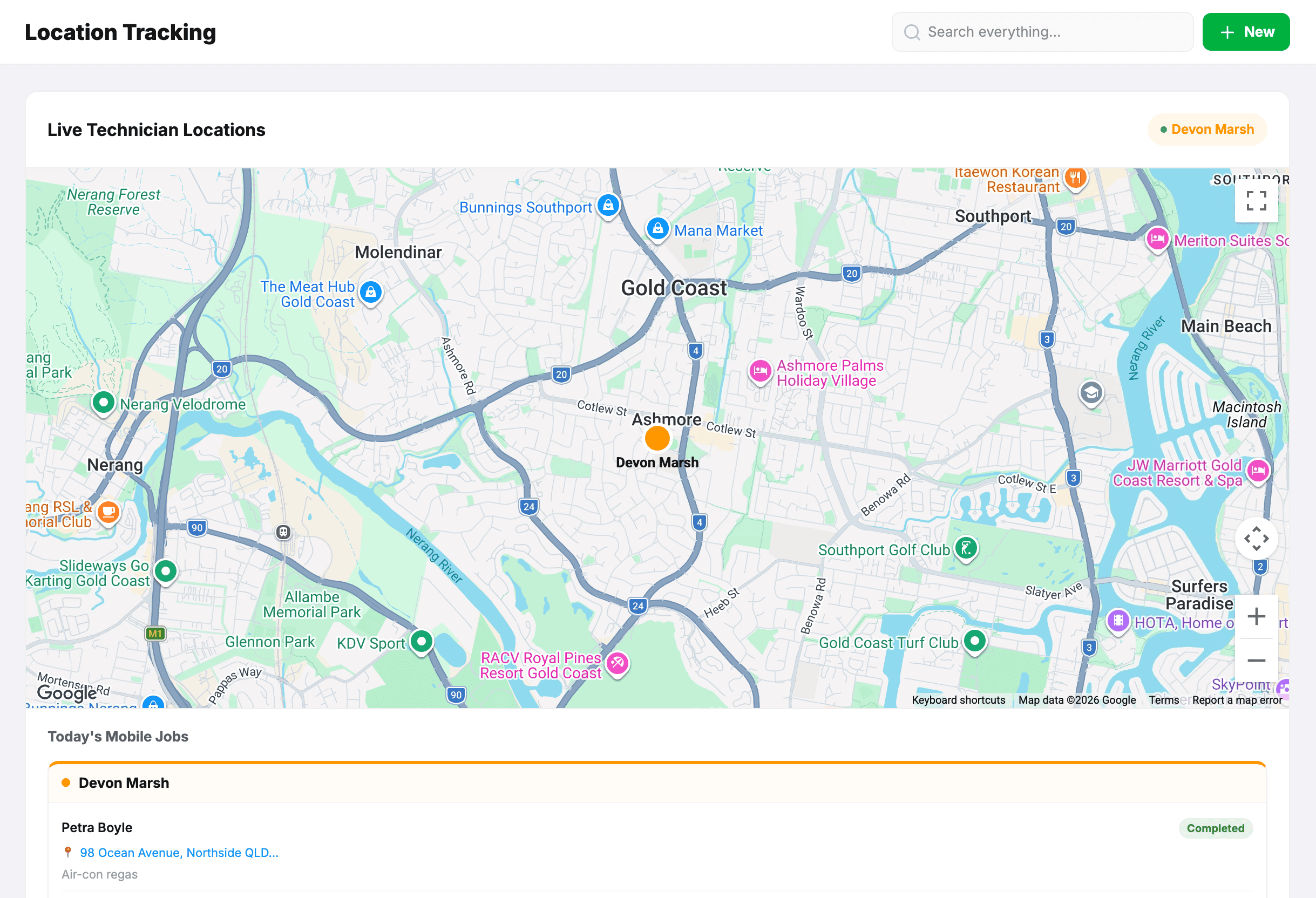
Track mobile technicians on a map
2 min read
Tracking shows where your mobile technicians are on a map, so the front desk can answer “how far away is he?” and send the nearest person to a breakdown. It only covers techs working in the Mobile area.
Heads up:This tracks staff location. Tell your team it is on and why, before you switch it on — not after. Under Australian privacy law, staff monitoring should be disclosed, and it is also just the decent way to run it.
What you need
- Live technician tracking switched on under Settings → Integrations. The map itself is included with MechOS; there’s no key or account to set up.
- Techs set to the Mobile area, signed in on their phones.
- Each tech granting location permission when their phone asks.
A tech who has denied location permission shows a banner in the app explaining what to turn back on, so it’s clear why they’re missing from the map rather than looking like a dropout.
What it shows
- Each mobile tech’s latest position and when it was recorded.
- Their bookings for the day, so a position makes sense against where they are supposed to be.
How long it’s kept
Location history is deleted automatically after 30 days. It is there for running today’s work, not for building a long-term record of someone’s movements.
Tip:Techs don’t see the map. Admins, service advisors and contractors do.
Still stuck? We’d rather help than have you guess.
Email us →